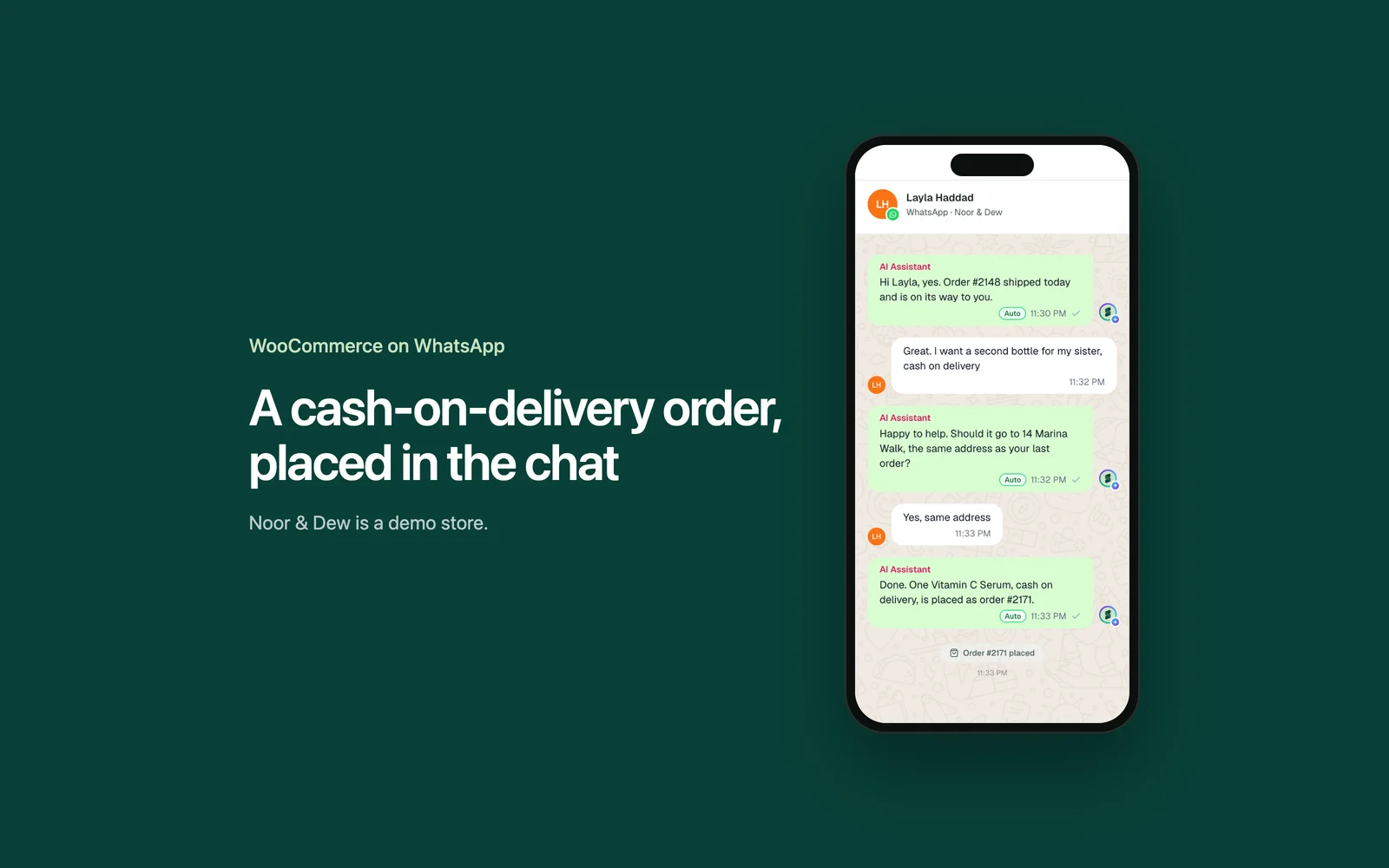
Shopify Inbox stops being enough when customers message you on WhatsApp and Instagram, when a team needs one shared queue, or when you want the answers and the sale handled for you. So a Shopify Inbox alternative takes one of three routes: a tool that adds channels, a helpdesk, or a done-for-you AI agent. Support Fabric is a done-for-you AI customer support service for Shopify and WooCommerce brands. It deploys a custom AI agent across WhatsApp, Instagram DMs, Messenger, website chat and email that answers customers in seconds, tracks orders, recommends products and closes sales in chat, with a 48-hour go-live.
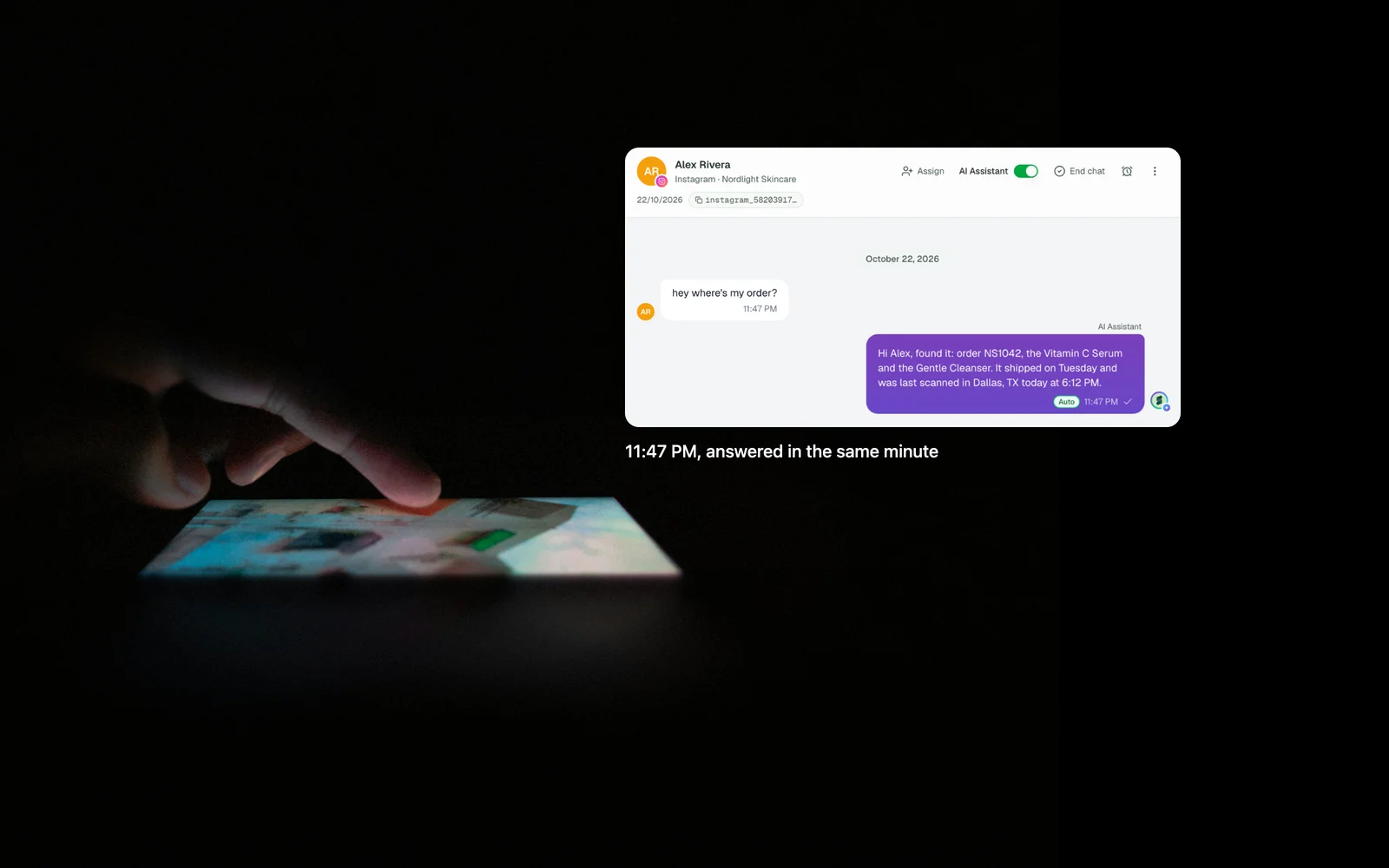
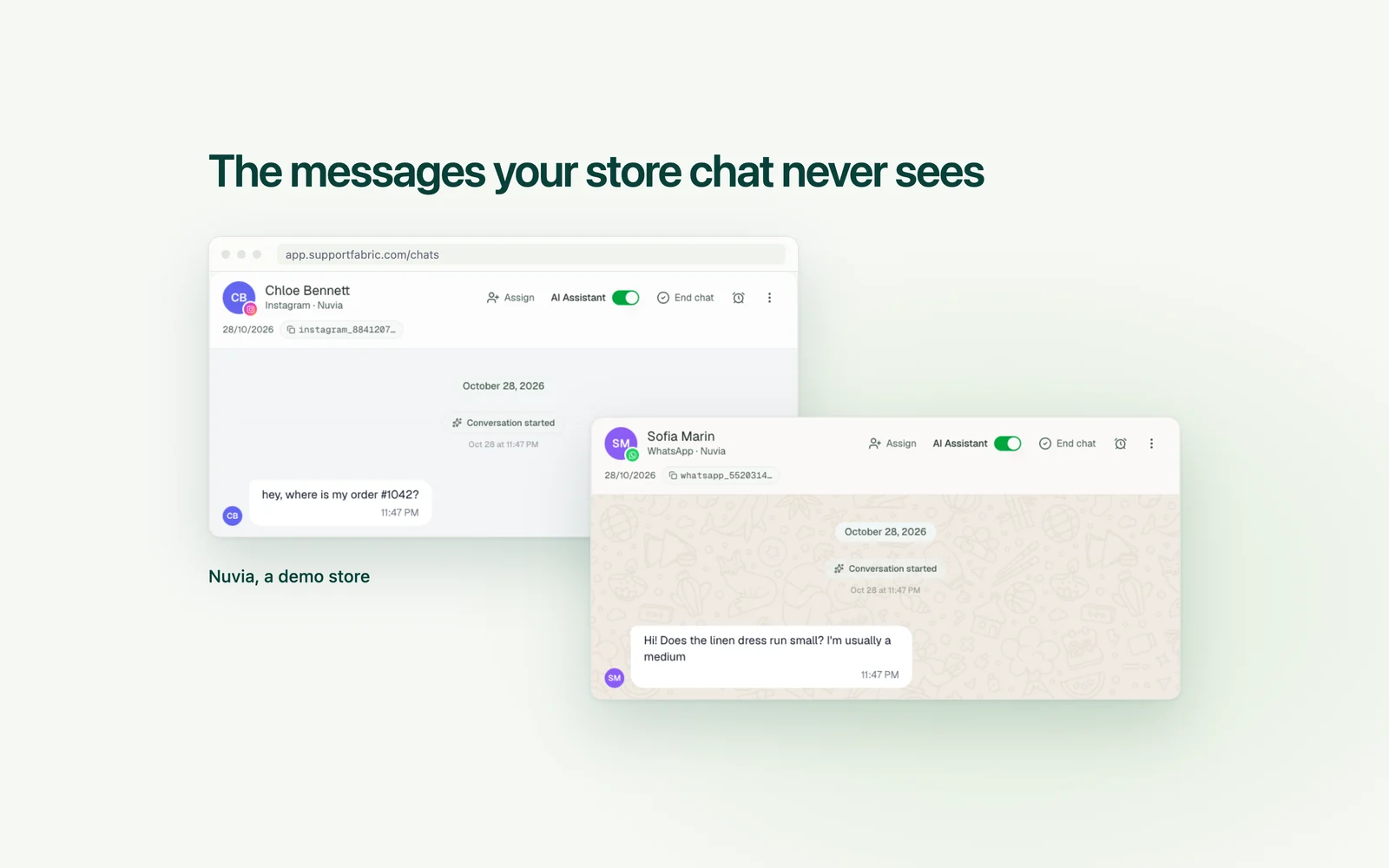
Take Nuvia, a demo store. Its site chat runs well on Inbox. Then a sale brings an Instagram DM at 11 PM asking where order 1042 is, and a WhatsApp message asking whether the medium runs small. Neither one reaches Inbox, so both wait until morning, on two different apps.
Key facts
- Vendor prices here were read on each vendor's own pricing page on November 18, 2026.
- Shopify Inbox, AI agent included, is listed as free on the Shopify App Store, which names Shopify Admin and Online Store under Works with.
- Shopify says its Inbox agent "only operates within your online store's chat widget."
- More channels: Tidio and Zoko add WhatsApp and Instagram, and you set them up.
- A shared queue: Gorgias bills on tickets, Richpanel per seat and Re:amaze per team member.
- Handled for you: Support Fabric builds, trains and launches the agent in 48 hours, and it costs far more than free.
- Order tracking is about half of all questions our stores get.
Shopify Inbox AI agent and chat: what works, and when to stay
Inbox connects you with customers on your online store. You and your staff reply from desktop, iOS or Android, and send product links, discount codes and images in the chat. Shopify makes it, and the App Store lists it as free.
Many lists still describe Inbox as suggested replies for your staff. As of November 2026, the free app also includes an opt-in AI agent that answers product questions, helps with order lookups, adds items to the cart, replies in the customer's language and hands off to your staff. You pick when it runs: all conversations, only when staff are unavailable, or never. You train it yourself, by picking or writing the better reply in practice chats and rating real ones with a thumbs up or down. That shapes its voice. What it knows comes from your catalog, policies and pages. Your store must use new customer accounts, and customers see a notice that they are chatting with AI, powered by Shopify.
Stay on Inbox if most of your questions start on your website and a few chats a day is normal. Paying for a tool buys you little in that spot.
Meta also describes a sales agent for your own website, set up in Business Suite and connected to your Shopify account, for businesses it finds eligible as of November 2026. That page calls it free, and Meta's overview says pricing arrives in 2026.
Before you pay for anything, set the Inbox agent to "Only when your staff is unavailable" for a week. Then count that week's messages by channel. If most sit in your site chat, you may have your answer.
Signs you have outgrown it
- "My questions come from DMs now." Shopify describes Inbox as chat on your online store, and none of the Inbox pages we read lists WhatsApp or Instagram DMs. An accepted answer in the Shopify Community says Instagram and Messenger messages stopped reaching Inbox in July 2023.
- "The same order question fills my day." Inbox covers this on your site: customers sign in for an order lookup, or use Track my order with an order number and email. The where is my order messages in your DMs stay with you.
- "We keep stepping on each other." Inbox has assignment, and each conversation is Open or Closed. That works for two people. A bigger team usually wants rules and reporting on top.
If you need more channels
These add WhatsApp and Instagram to what you have. We compare more options in our Instagram and WhatsApp roundup.
Tidio
You set it up. Tidio puts live chat, email, Messenger, Instagram and WhatsApp in one inbox, says setup takes minutes with no code, and says its AI, Lyro, runs Shopify order status checks in the conversation. As of November 2026, pricing starts with a Free plan for 50 conversations with your team, then Starter at $24.17 a month billed yearly for 100. Lyro starts at $32.50 a month billed yearly for 50 AI conversations. Fits a small store that wants the closest step from free.
Zoko
You install it and switch on what you need. Zoko is a WhatsApp platform for Shopify brands with a shared team inbox. As of November 2026, Starter is $49.99 a month plus $0.015 per conversation, with WhatsApp fees paid directly to Meta, Instagram at $9.99 a month and no platform fee for Messenger. AI agents are add-ons at $24.99 a month each, plus $0.09 per resolution, or 3% of order value for the one that takes orders in chat. Fits a store whose customers live on WhatsApp.
If a team needs a shared queue
Someone on your team configures a helpdesk and keeps it current, so it costs hours as well as money.
Gorgias
You build it, and an admin works through Gorgias's launch guide. WhatsApp is on all Helpdesk plans. The bill is based on tickets, "never priced per agent." As of November 2026, Starter is $10 a month for 50 tickets, and Basic is $50 a month billed yearly or $60 monthly for 300. AI Agent on Basic adds $27 a month billed yearly for 30 automated interactions, and Gorgias says each AI interaction also counts as a ticket. Our Gorgias alternatives guide covers when that bill stops fitting.
Richpanel
Your team works in the helpdesk every day. The pricing page lists white glove setup on Enterprise, for teams with more than 50 agents, so ask what setup help a smaller store gets. The bill is per seat on yearly contracts: as of November 2026, Pro is $69 and Pro Max $99 per agent a month, with an AI add-on at $0.20 per conversation it handles. Instagram is on every plan, and WhatsApp starts at Pro Max.
Re:amaze
You set it up. The bill is per team member: as of November 2026, Basic is $29 a month, or $26.10 billed yearly, with five AI resolutions per user each month, then $0.85 each. Starter is a flat $59 a month for unlimited team members, capped at 500 responded conversations. Its Shopify integration lets your team see, refund and cancel orders from the conversation. WhatsApp runs through Twilio, and your number must be provided by Twilio.
If you want it handled for you
This route suits an owner with no hours left to run a tool. Tidio lists Lyro as a managed service on Premium, with pricing on request. Some tools sell in chat too: Zoko's add-on takes orders in the conversation, and Support Fabric is one.
Support Fabric
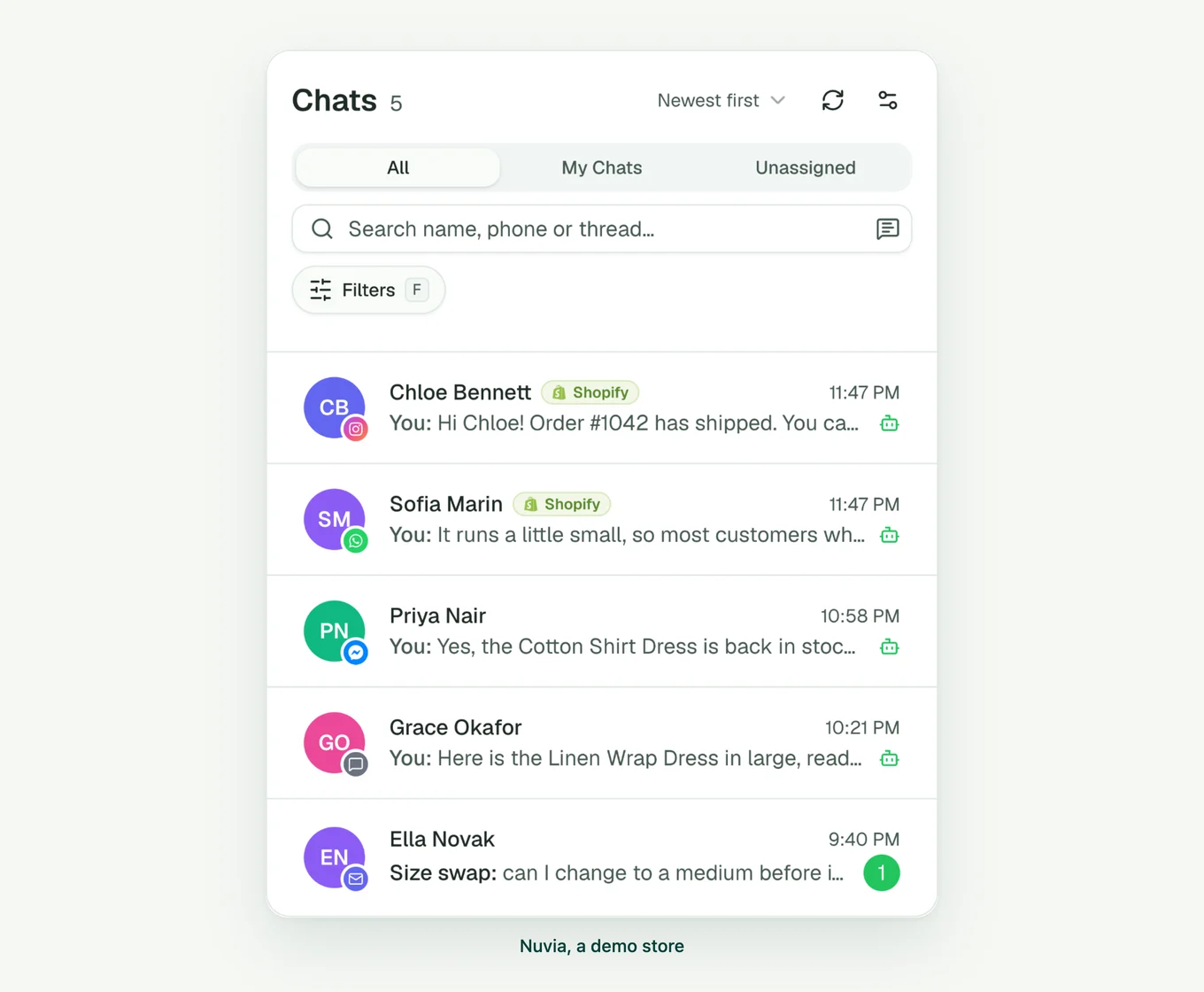
We build it. You take a 15-minute demo call and a 45-minute onboarding call and install an app, with no store admin access, and the agent is live in 48 hours. WhatsApp, Instagram DMs, Messenger, website chat and email share one inbox, with the helpdesk built in, so your team can work alongside the agent on what the AI cannot resolve. The agent tracks orders, recommends products and drops checkout links in the chat.
It costs far more than free, so see pricing before you book anything. The main store it does not fit is one under 50 conversations a day: stay on Inbox, because the math will not work yet. Enterprise teams with 10,000 or more questions a month are better served elsewhere.
Switching to a Shopify Inbox alternative
Keep every message answered while you move, and leave uninstalling for last.
- Get the new tool answering real messages first.
- Save what you need. The Inbox pages we read do not say what happens to old conversations after you uninstall, and describe no export. Shopify's uninstall article warns that some apps hold data you cannot recover, so ask Shopify support first.
- Turn off the Inbox agent under Sales channels, then Inbox.
- Take the chat off your store. Shopify manages online store chat in the theme editor through the Online store chat app embed. Remove any chat buttons you added.
- Uninstall last. Shopify's articles call Inbox a sales channel, so Manage sales channels is the route: Settings, then Sales channels, then Uninstall beside Inbox, then confirm. If Inbox is listed under Settings, then Apps instead, uninstall it there.
Common questions
Is Shopify Inbox free? Yes. As of November 2026, the Shopify App Store lists Shopify Inbox with one price: Free. Shopify's Help Center says Inbox is available only for stores on the Basic, Grow, Advanced or Shopify Plus plan. The opt-in Inbox agent comes with the app, with no separate price listed, and also needs new customer accounts.
How does Shopify Inbox work? You install the app and add a chat widget to your online store. Customers message you there, and your staff reply from desktop, iOS or Android, with product links, discount codes and images. You can also turn on the Inbox agent, which answers from your catalog, policies and pages.
What is the best Shopify Inbox alternative for a small store? For most small stores, it is Shopify Inbox with its agent turned on, until messages move off your site. If they move to WhatsApp and Instagram, Tidio is the closest step from free as of November 2026, and Zoko suits WhatsApp-first stores. Both are yours to set up. Past 50 conversations a day, a done-for-you agent starts to make sense.
Which Shopify Inbox alternatives cover WhatsApp and Instagram? As of November 2026, Tidio, Zoko, Gorgias, Richpanel, Re:amaze and Support Fabric all cover both. Richpanel starts WhatsApp at Pro Max, Re:amaze needs a Twilio number, and Zoko charges a flat monthly fee for Instagram. Support Fabric builds the AI agent across both for you.
How do I turn off Shopify Inbox? Work in stages. Turn off the Inbox agent under Sales channels, then Inbox. Take chat off your store through the Online store chat app embed in the theme editor. Uninstall last, from Settings, then Sales channels, or from Settings, then Apps if Inbox is listed there. Shopify warns that some apps hold data you cannot recover, so save conversations first.
Keep Shopify Inbox while your questions start on your website. When they move to DMs, add channels. When a team needs a queue, add a helpdesk. When you have no hours left and 50 or more conversations a day, have someone build it for you.