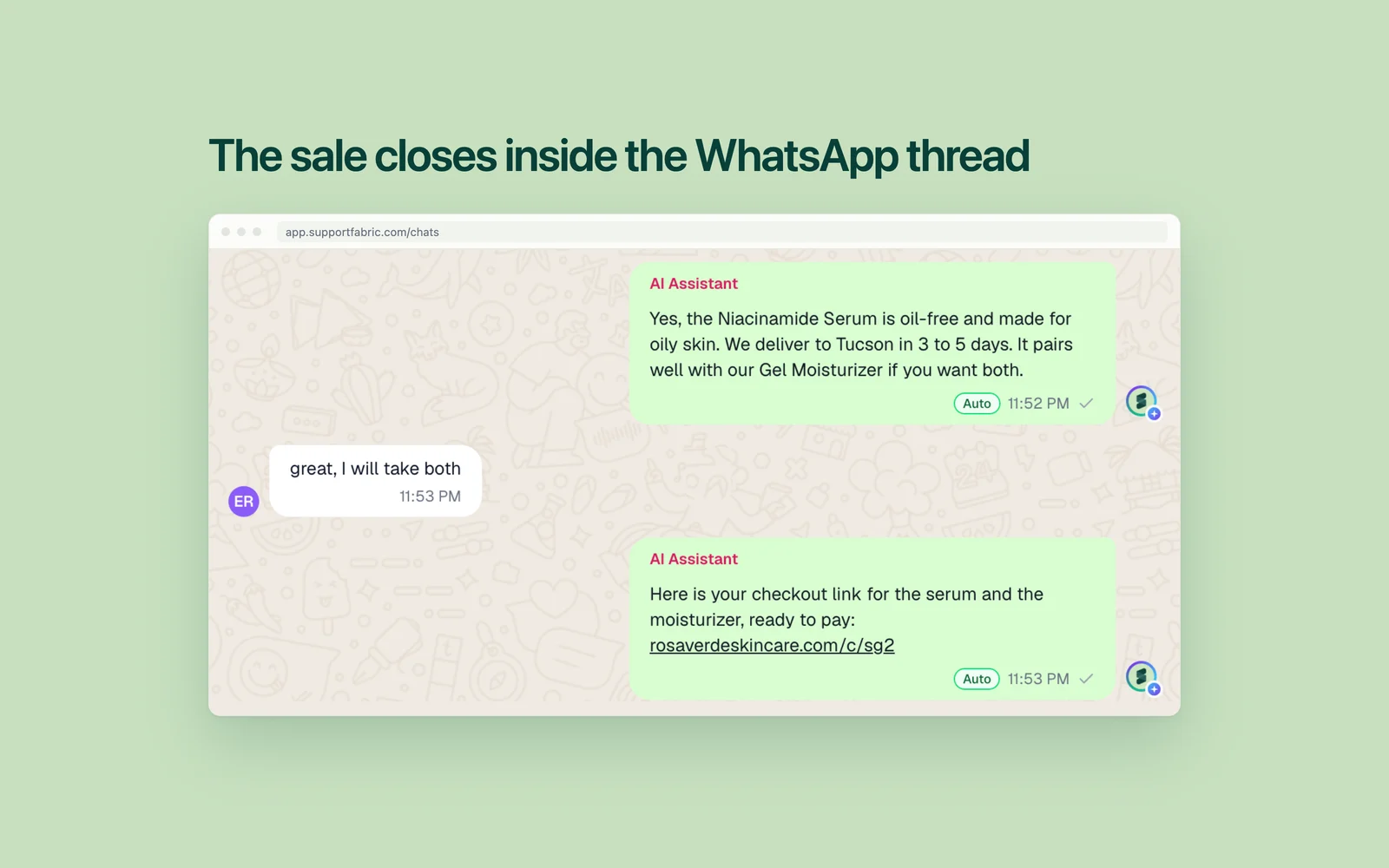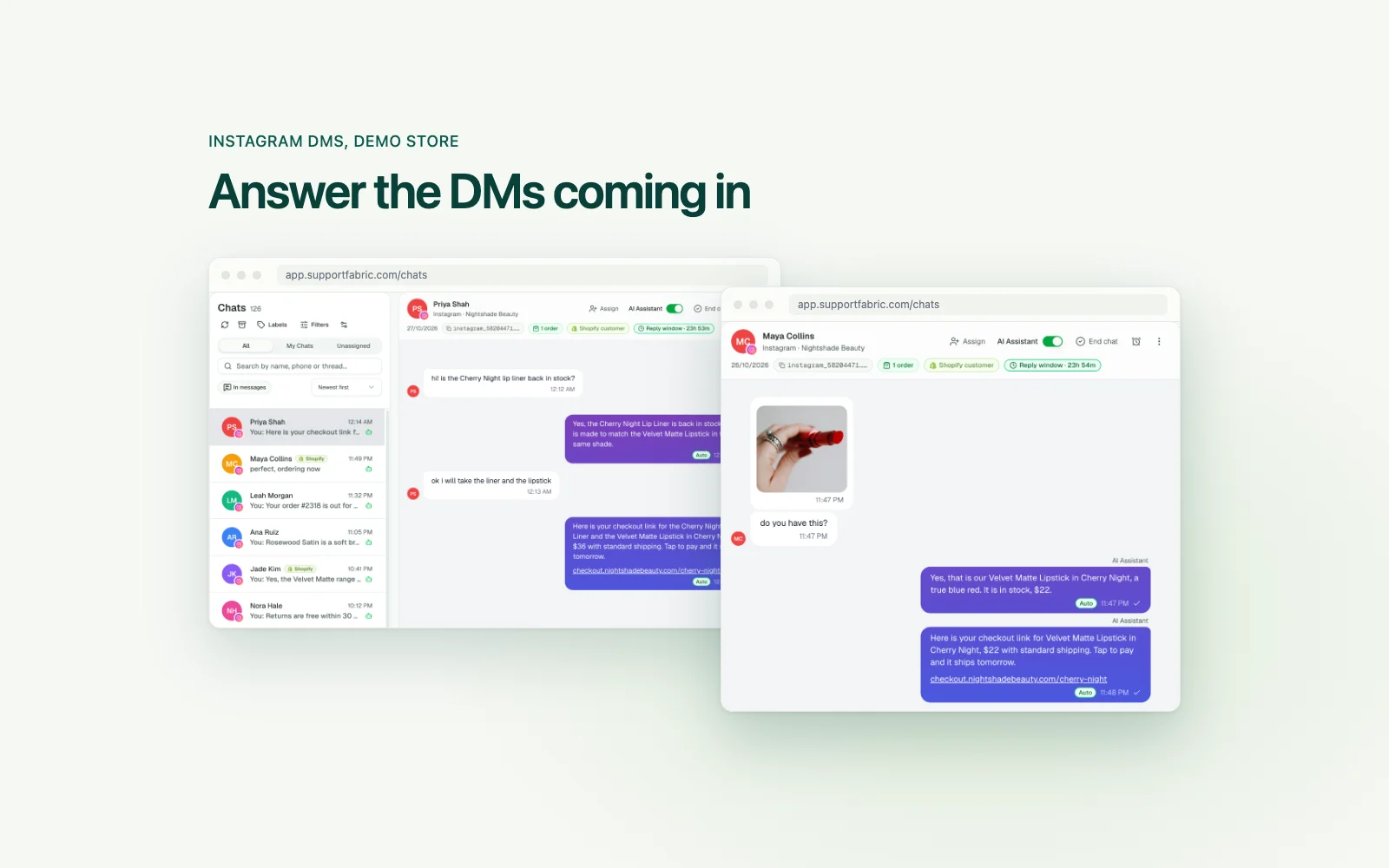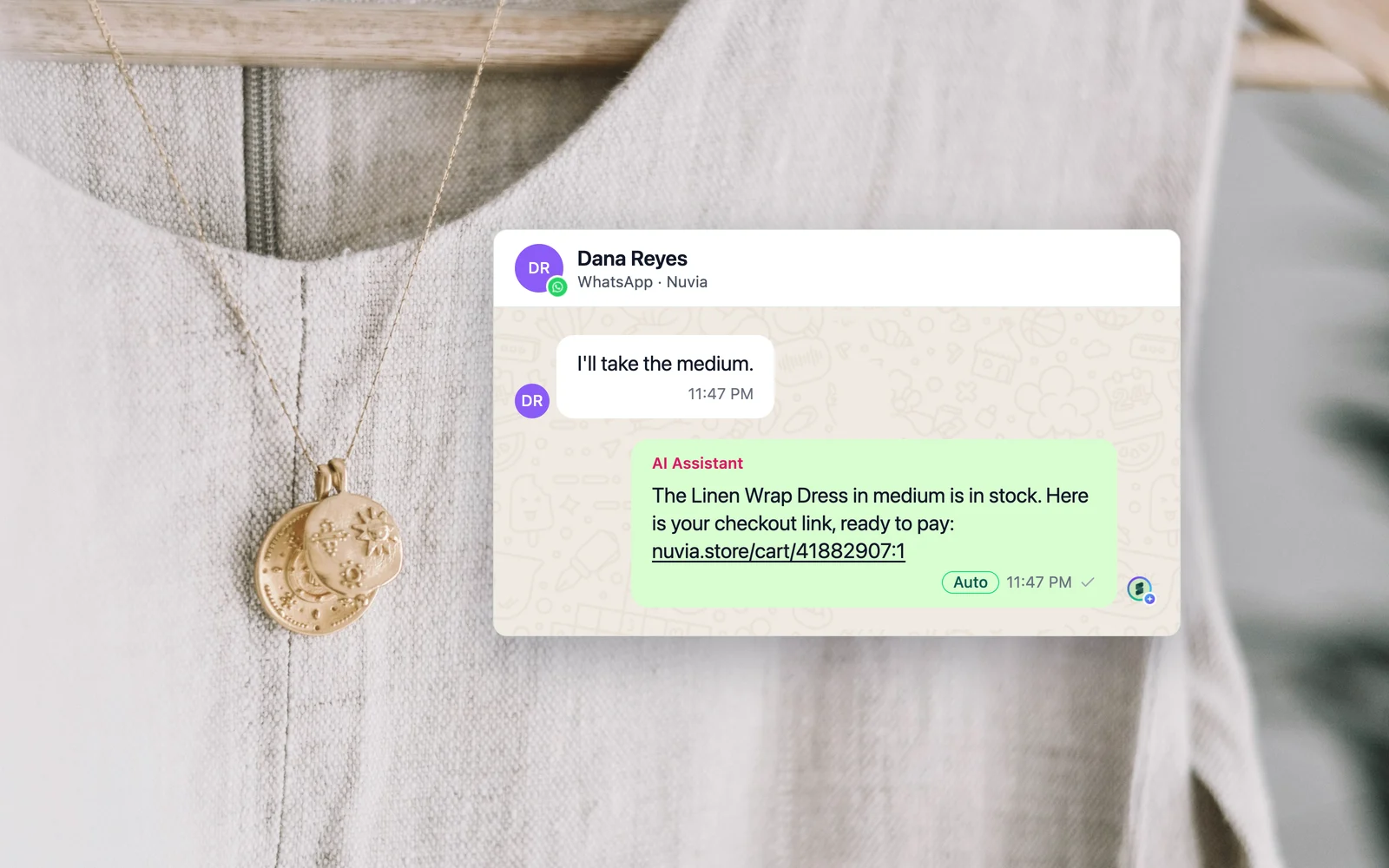
A checkout link in chat is a pre-filled link, sent inside a WhatsApp, Instagram DM or web chat conversation, that takes the customer straight to payment. On Shopify you can send one three ways: copy a draft order link for free, use a link builder app, or let an AI agent make the link in the conversation.
Support Fabric is a done-for-you AI customer support service for Shopify and WooCommerce brands. It deploys a custom AI agent across WhatsApp, Instagram DMs, Messenger, website chat and email that answers customers in seconds, tracks orders, recommends products and closes sales in chat, with a 48-hour go-live.
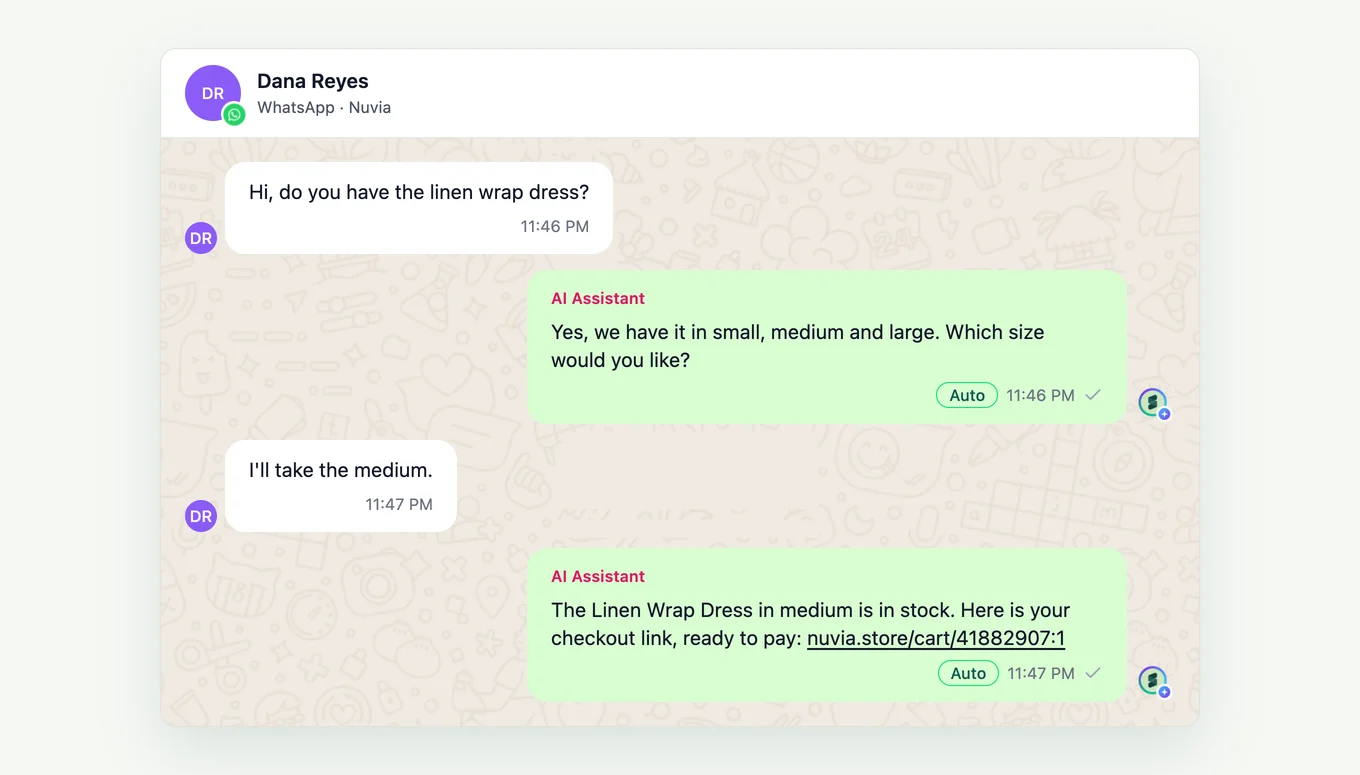
At Nuvia, a demo store, at 11:47 PM a customer on WhatsApp writes "I'll take the medium." Someone now has two jobs: send a link before that customer goes to sleep, and know in the morning whether they paid.
Key facts, read 2026-11-03:
- A Shopify draft order link needs no app. A person makes every link.
- Checkout Links costs $25 a month with a seven-day free trial. Its WhatsApp guide has a person send each link.
- Quickchat AI's paid plans start at $9 a month, and its free plan is for personal, non-commercial use. Revora's AI sales agent starts on its $299 a month Pro plan.
- An AI agent makes and sends each link inside the chat.
- On Shopify, Support Fabric places cash-on-delivery orders directly in chat. Its price is on /pricing.
Send a Shopify checkout link yourself
Free: a draft order link
The steps, from Shopify's help page:
- In your admin, go to Orders, then Drafts, and open or create a draft order.
- Click Share, then Copy link.
- Paste the link into WhatsApp or Instagram and send it.
Add the customer's email or phone first, or the order confirmation will not go out. Do not mark the draft as paid before the money arrives, or the link stops working.
For a product you sell often, a cart permalink is reusable and starts a new checkout for each customer.
The limit: at 11:47 PM, nobody is there to make the link.
Paid: a link builder app
Checkout Links is a Shopify app that pre-fills the cart, a discount and customer details. Its own guide says to make links for your 10 best sellers, then send the right one when a customer asks. A new link takes about 30 seconds.
It suits an owner who answers their own DMs and sells a handful of repeat products.
Let AI make the link
Each claim comes from the vendor's own page, read on 2026-11-03. Our wider comparison of AI tools covers more than links.
Quickchat AI says its agent builds the cart and sends a checkout link, with payment in your Shopify checkout. It says the same agent answers on WhatsApp, Instagram and Messenger.
Revora says it creates the order inside Salla, Zid or Shopify and sends the payment link in the same WhatsApp thread. Its use case page names only Salla and Zid, so ask to see it on Shopify.
SleekFlow says you can send pre-populated Stripe or Shopify payment links in chat. The page does not say whether a person or the AI sends them. Ask.
Support Fabric sends Shopify cart links and draft order links in chat. The agent asks which variant the customer wants, checks it is in stock and builds a cart link. Above a cash-on-delivery limit you set, it creates a real draft order and sends that link. You install an app and we build and run the agent. If you send five links a week, the free route is the better deal.
What changes per channel
WhatsApp. Quickchat says WhatsApp also supports native product and cart messages, so test those buttons if your tool uses them.
Instagram DMs. Quickchat's tutorial says its Instagram replies go as text, without its website's inline product card or cart. Meta's docs do allow structured messages, and our agent sends product cards there, so ask each tool which you get. For a text reply, put the name, price and link in the text, under Meta's limit of 1,000 characters.
Web chat. The customer is already on your store, and Quickchat describes an inline product card and cart on its website widget.
Cash on delivery and WooCommerce
A checkout link assumes the customer pays online. Quickchat, Revora and SleekFlow do not mention cash on delivery on the pages read here.
On Shopify, Support Fabric places the order directly in chat. The agent takes the name, address and phone, shows a summary with the total, and the customer confirms. The order lands in Shopify with payment pending.
WooCommerce has its own free route. Each order page carries a "Customer payment page" link you can share, for orders in Draft or Pending payment. Registered customers are asked to log in. A guest opening the link more than 10 minutes after the order was created must verify their email.
When the link goes unpaid
The draft order route gives you a free list. A paid draft becomes a regular order, so a draft that has not turned into an order is unpaid. Each morning, open Drafts and go back to those chats, once each. A plain cart link leaves no draft to check, so keep your own note.
In Support Fabric, every channel sits in one inbox, so a person sees the link in the thread and can label, assign or reply. When the agent hands over, it stops replying in that chat.
To send a Shopify checkout link in chat, use a free draft order link for a few links a week, a link builder app for repeat products, or an AI agent for chats after hours. Whichever you pick, check each morning who paid.
Common questions
What is a checkout link in chat?
It is a pre-filled link, sent inside a WhatsApp, Instagram DM or web chat conversation, that takes the customer straight to payment. The products are already in the cart. On Shopify, it can come from a draft order, a cart permalink, an app or an AI agent.
Can I send a Shopify checkout link without an app?
Yes. In your Shopify admin, open Orders, then Drafts, create a draft order, click Share, then Copy link, and paste the link into any messaging app. The route needs no app, but a person has to make every link by hand.
Can an AI agent send a checkout link on WhatsApp and Instagram?
Yes. As of 2026-11-03, Quickchat AI and Revora claim this on WhatsApp. Quickchat also says shoppers can start a cart on Instagram, but its tutorial warns not to assume a checkout button in DMs. Support Fabric's agent builds the link from your Shopify catalog and sends it in the conversation.
Can a customer pay cash on delivery from a chat?
Yes, if the tool can place the order rather than only send a link. On Shopify, Support Fabric's agent collects the delivery details, shows a summary with the total, and places the order with payment pending once the customer confirms. Above a limit you set, the customer gets a checkout link instead.